BP9

BP9 CASINO MOBILE APP

BP9 Casino App Download for Android Malaysia

Access BP9 Casino Malaysia directly from your Android smartphone with the BP9 mobile application. The app provides a convenient way to log in, navigate the platform and access its available features from your mobile device.

Download the BP9 Android app using the download button below, then follow the installation steps to get started.

DOWNLOAD & INSTALLATION

How to Download and Install the BP9 Casino Android App

Getting the BP9 Casino app on your Android smartphone involves three simple steps. Follow the instructions below to download, install and launch the application.

STEP 01

Download the BP9 App

Visit the BP9 Casino platform and select the Android Download button. Once the download begins, wait for the installation file to finish downloading to your smartphone.
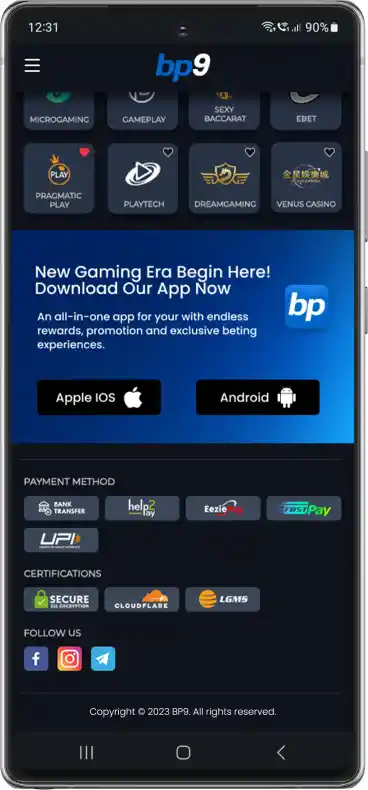
Step 1: Download the BP9 Casino Android app
STEP 02

Install the Application

Once the download is complete, open the downloaded file and follow the on-screen installation instructions. Review any security prompts and permissions before proceeding.
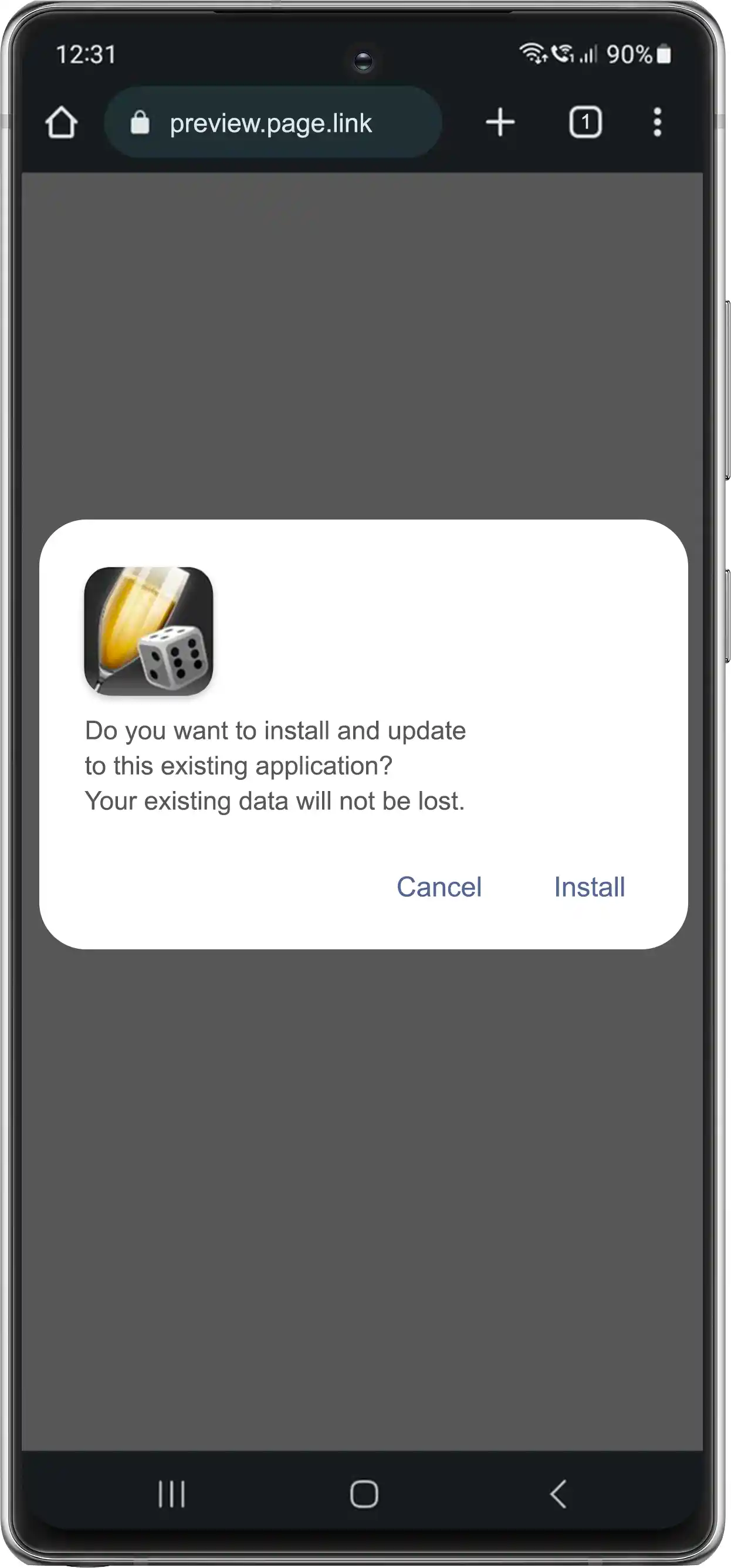
Step 2: Install the BP9 Casino Android application
STEP 03

Launch the BP9 Casino App

Locate the installed BP9 application on your Android smartphone and open it. Sign in with your existing account details or follow the registration process to access the platform.
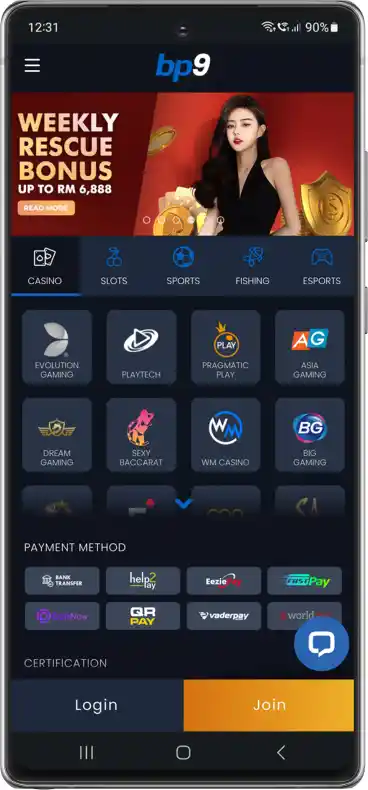
Step 3: Launch the BP9 Casino Android app
BEFORE YOU DOWNLOAD

What Should You Check Before Installing the BP9 Casino App?

Before downloading the BP9 Casino Android application, review a few important device and installation requirements to help avoid common problems.

Android Compatibility

Check that your smartphone meets the application’s supported Android version requirements. Older devices may encounter compatibility restrictions.

Available Storage Space

Make sure your device has enough free storage to download and install the application. Insufficient storage can prevent installation from completing.

Internet Connection

Use a stable internet connection when downloading the application. Interrupted connections may cause incomplete downloads or loading problems.

Download Source & Permissions

Obtain the application through the intended BP9 download source. Review Android security warnings and requested permissions before installing the file.

BP9 MOBILE ACCESS

Get Started With the BP9 Casino Android App

The BP9 Casino Android app offers a convenient way to access the platform directly from your smartphone. Use the Android download button to obtain the application, follow the three installation steps and launch the app on your device.

Before proceeding, check your Android compatibility, available storage and download source. Once installed, you can access your BP9 account through the mobile application. If you have questions about accessing the platform or need help with the installation process, visit our Contact Us page for further assistance.

ANDROID APP HELP CENTRE

Frequently Asked Questions (FAQs)

Find answers to common questions about BP9 Casino Android app errors, using your BP9 login on another phone, verification code delays, frozen screens, unexpected account logouts and checking whether app updates are genuine.

Why does the BP9 app close unexpectedly after opening?

An app may close unexpectedly because of insufficient device memory, outdated system software or temporary application errors. Restart your device, close unnecessary background applications and check whether an updated version is available. If the issue continues, contact BP9 customer support.

Can I use the same BP9 login on a new phone?

Your existing BP9 login credentials can generally be used when changing devices, provided your account remains active and the platform permits access from the new device. Additional identity verification may be required for security purposes.

Why am I not receiving verification codes when using the BP9 app?

Verification codes may be delayed by network issues, incorrect contact information or message filtering. Check your registered phone number or email address, inspect your spam folder and ensure your device has a stable connection. Contact support if the code does not arrive.

What should I do if the BP9 app freezes or becomes unresponsive?

Try closing and reopening the application. You can also restart your Android device or clear the app’s cache through your phone settings. Avoid clearing application data unless you understand how it may affect saved settings or login information.

Why does the BP9 app keep logging me out?

Repeated logouts may be related to session expiration, connectivity interruptions or account security checks. Sign in again using your registered credentials and ensure your internet connection is stable. If unexpected logouts continue, contact BP9 support to review the issue.

How can I check whether a BP9 app update is genuine?

Use the official download source provided by BP9 and verify the source before installing an updated version. Avoid APK files distributed through unknown websites, social media messages or unsolicited links, as modified installation files may compromise your device or account information.